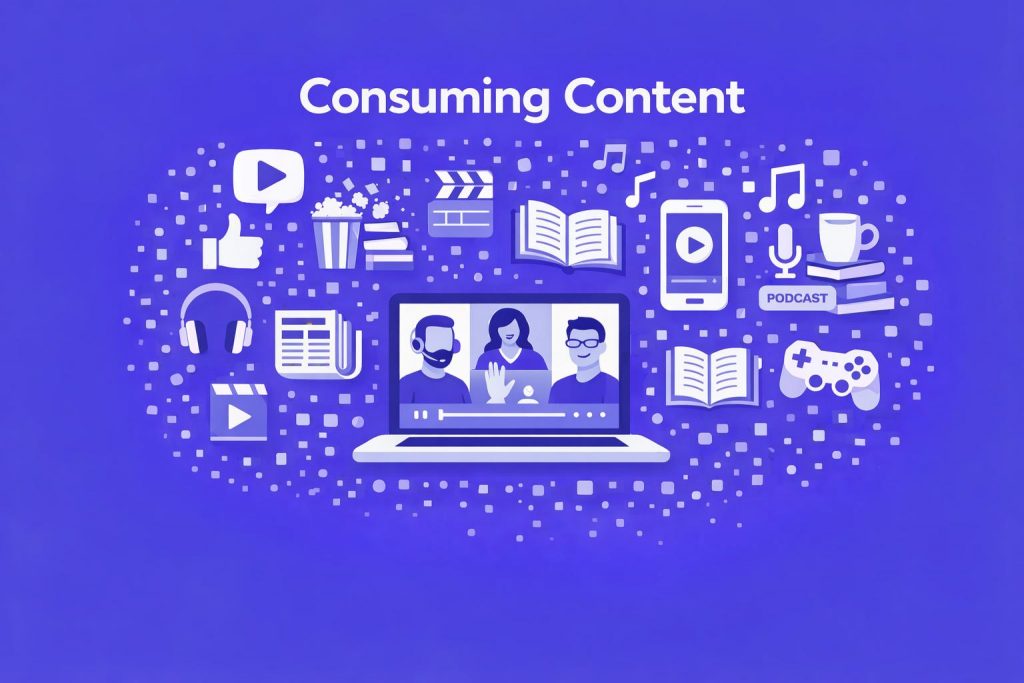
Consuming accessible content is transformative for both individuals and organisations. Microsoft’s Immersive Reader can improve reading comprehension for users with dyslexia, while Windows’ built-in tools like Narrator, Magnifier, and Speech Recognition empower millions of users with vision, hearing, and mobility challenges to independently access digital information.
Socially, accessible content helps bridge the digital divide, ensuring that no one is left behind in an increasingly connected world. Inclusive environments have tangible benefits: namely, diverse teams are 12x more productive. This productivity boost stems from a workforce that feels valued and equipped to contribute fully.
Dark/High Contrast Modes
Improving visual comfort and readability through Office, Windows, and Teams display settings.
Enabling Captions in Teams Meetings
Turning on live captions so participants can follow spoken content more easily.
Meeting Transcription for Summaries or Audio Files
Creating accurate written records of meetings that can be reviewed or used in summaries.
Immersive Reader / Read Aloud
Tools that support reading, focus, and comprehension through customisable text and narration.
Using Word Transcribe and Dictate
Speech‑to‑text features that help you capture ideas or convert audio into editable text.
OneNote OCR (Optical Character Recognition)
Turning images or handwriting into searchable text for easier access and sharing.