






Accessible summary
What this session covers
This enhanced session explains how to turn one bounded manual process into a tested and maintainable Power Automate flow. It starts with mapping the task in plain language, then covers flow patterns, triggers, actions, dynamic content, conditions, connections, testing, diagnosis and ownership.
- choosing a repetitive task with a clear trigger and safe result
- mapping the current process before opening the flow designer
- choosing between automated, instant and scheduled flows
- configuring a trigger and a short sequence of actions
- using dynamic content from earlier steps
- creating one clear condition with yes and no routes
- checking connections and permissions
- testing the intended route and important exceptions
- using Flow Checker and run history to diagnose problems
- documenting the flow and planning ownership and maintenance
Making the session work for you
The session is delivered through a Microsoft Teams webinar using PowerPoint Live. You can personalise how you follow and take part. The session is recorded, and you can watch rather than follow along unless the trainer asks you to try something.
- use live captions or translation from the three-dots menu
- choose a view that gives you the clearest layout
- use the presentation slider to zoom in or out
- keep your camera and microphone off unless invited
- use Q&A for questions and keep chat closed when not typing
- use reactions or another participation route if that works better for you
- share respectful feedback and use the key links provided in chat
Everyone can build confidence
The aim is to automate one small, recognisable process safely. A clear process map makes the flow easier to build, test, explain and maintain.
Navigator and WeChange.AI
Navigator is a personalised platform for WeChange.AI customers. It helps you find Microsoft 365 tools, resources and upcoming sessions relevant to your role.
WeChange.AI supports public and third sector organisations to use technology with confidence, purpose and impact.
Key concepts
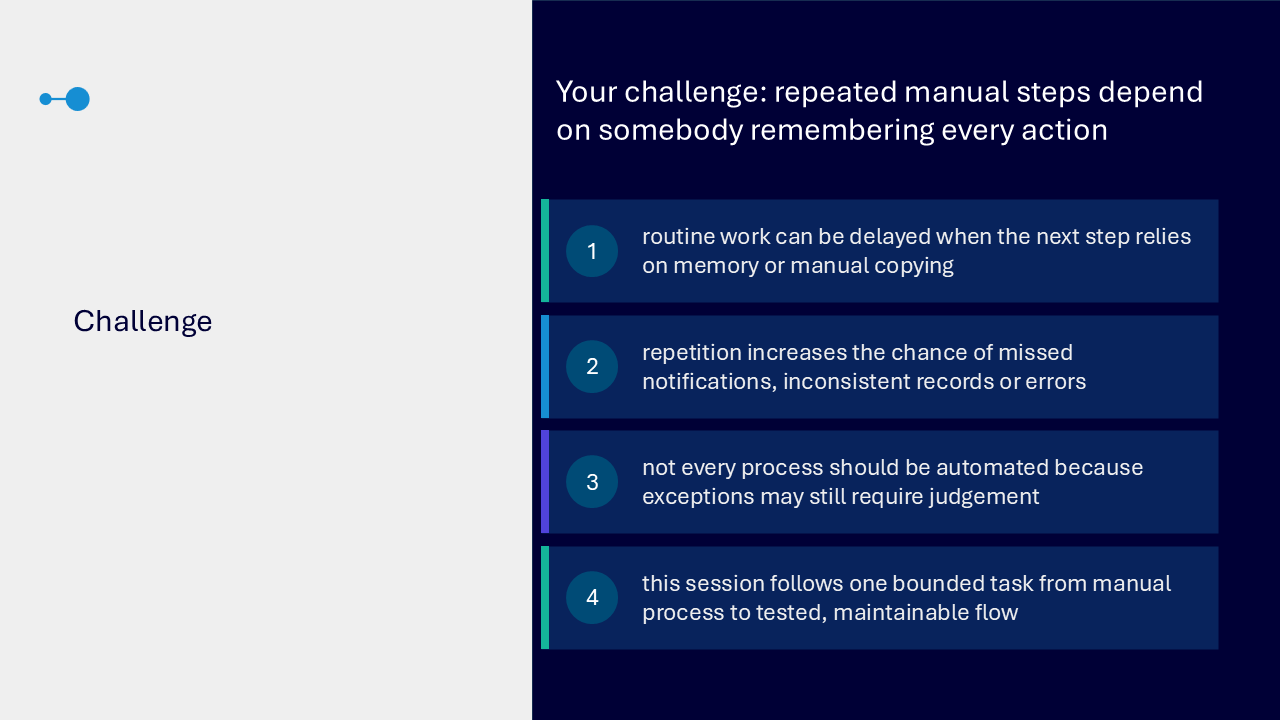
The challenge
Repeated manual steps can be delayed when the next action depends on memory or copying. Repetition can create missed notifications, inconsistent records or errors. Some exceptions still need human judgement. The session therefore follows one bounded task from its manual process to a tested, maintainable flow.
Your route through the session
- choose the task
- select the flow pattern
- configure the trigger and actions
- test and diagnose
- plan ownership
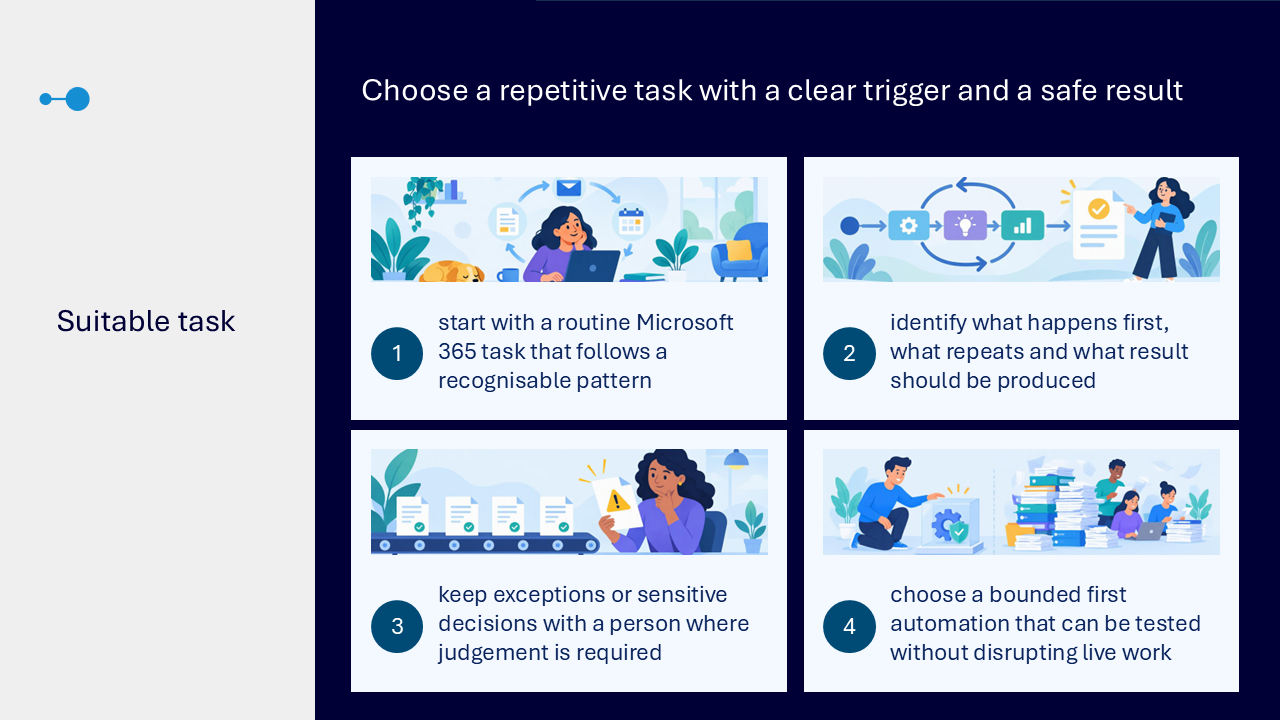
Choose a suitable task
- start with a routine Microsoft 365 task that follows a recognisable pattern
- identify what happens first, what repeats and what result should be produced
- keep exceptions and sensitive decisions with a person where judgement is required
- choose a bounded first automation that can be tested without disrupting live work
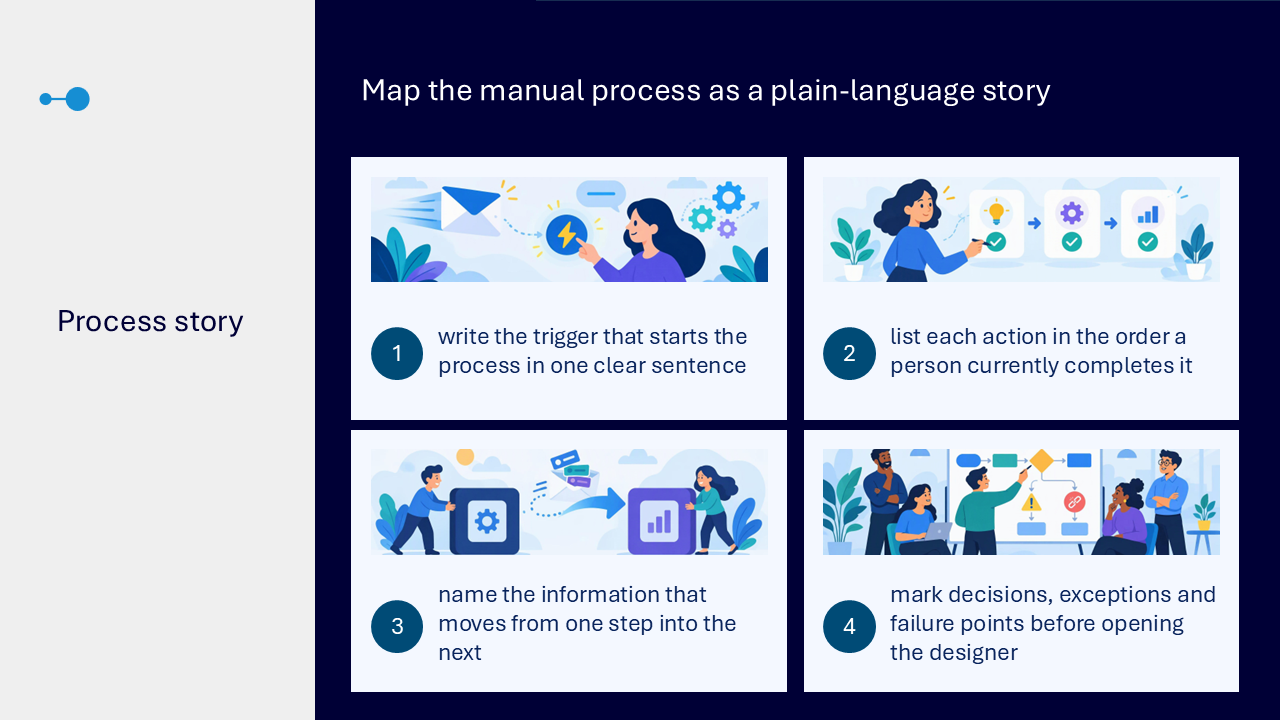
Map the manual process
- write the trigger that starts the process in one clear sentence
- list each action in the order a person currently completes it
- name the information that moves from one step into the next
- mark decisions, exceptions and failure points before opening the designer
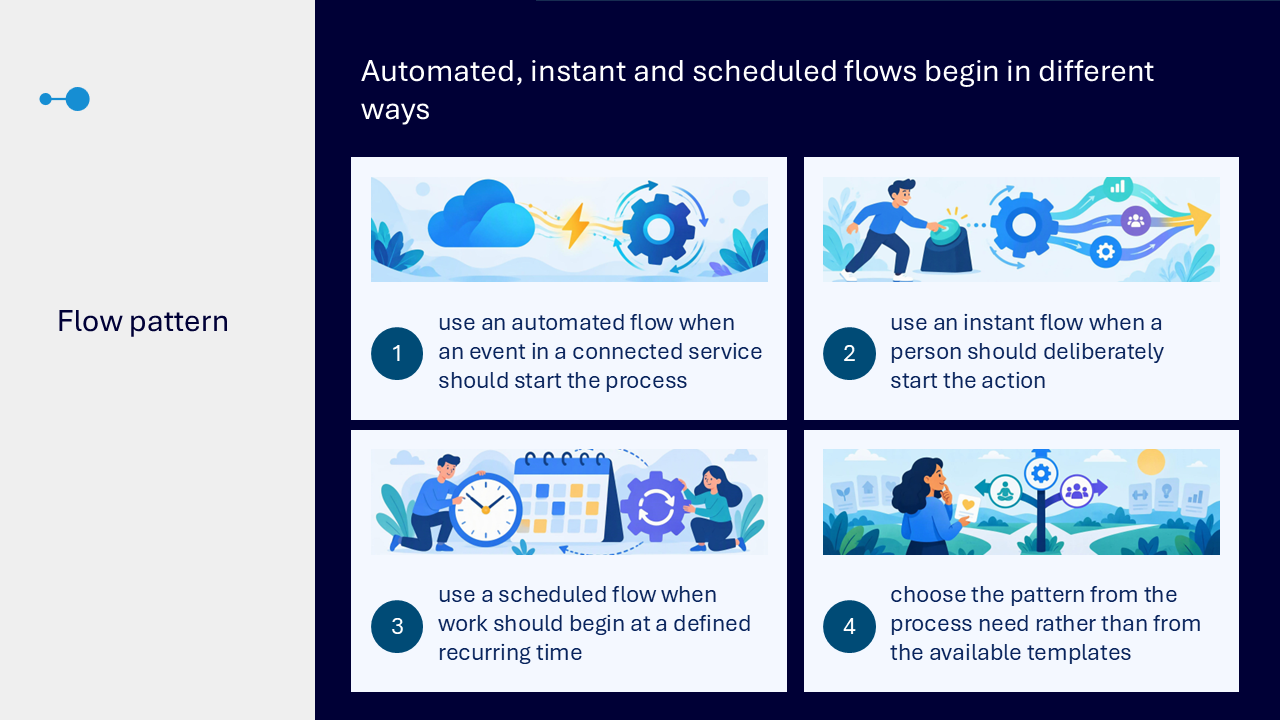
Choose the flow pattern
- use an automated flow when an event in a connected service should start the process
- use an instant flow when a person should deliberately start the action
- use a scheduled flow when work should begin at a defined recurring time
- choose the pattern from the process need rather than from a template
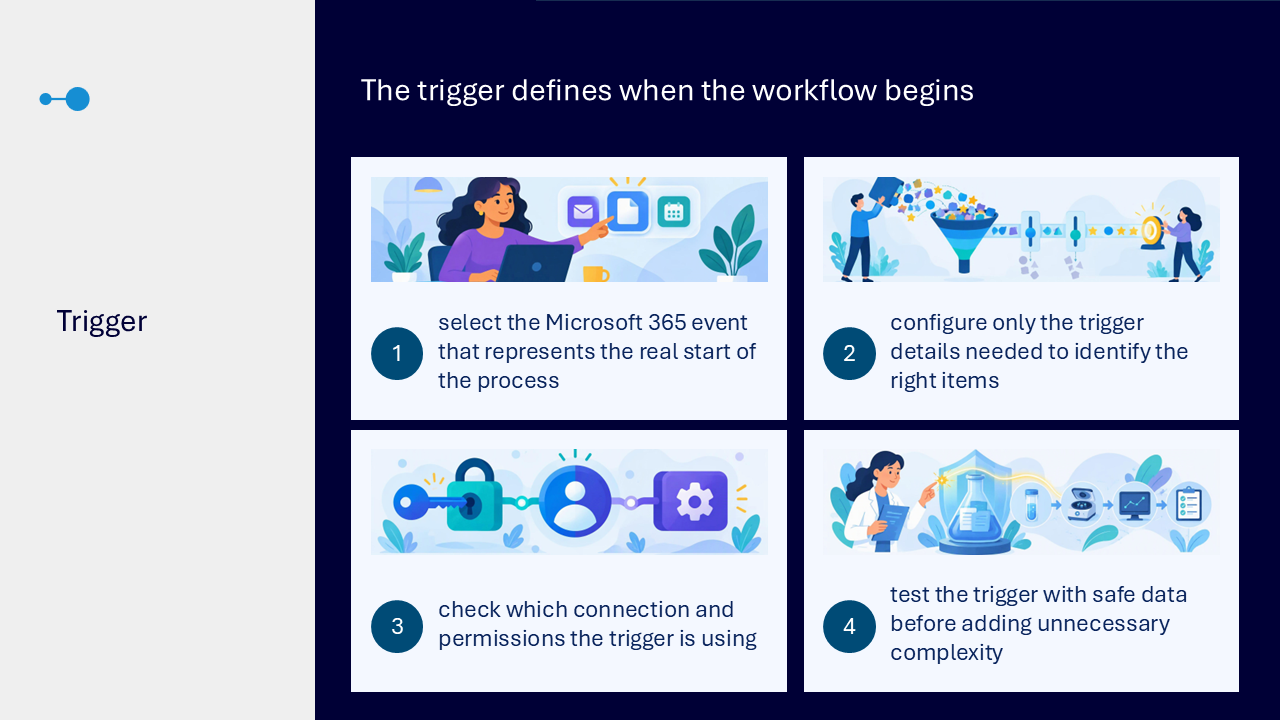
Configure the trigger
- select the Microsoft 365 event that represents the real start of the process
- configure only the details needed to identify the right items
- check which connection and permissions the trigger uses
- test the trigger with safe data before adding unnecessary complexity
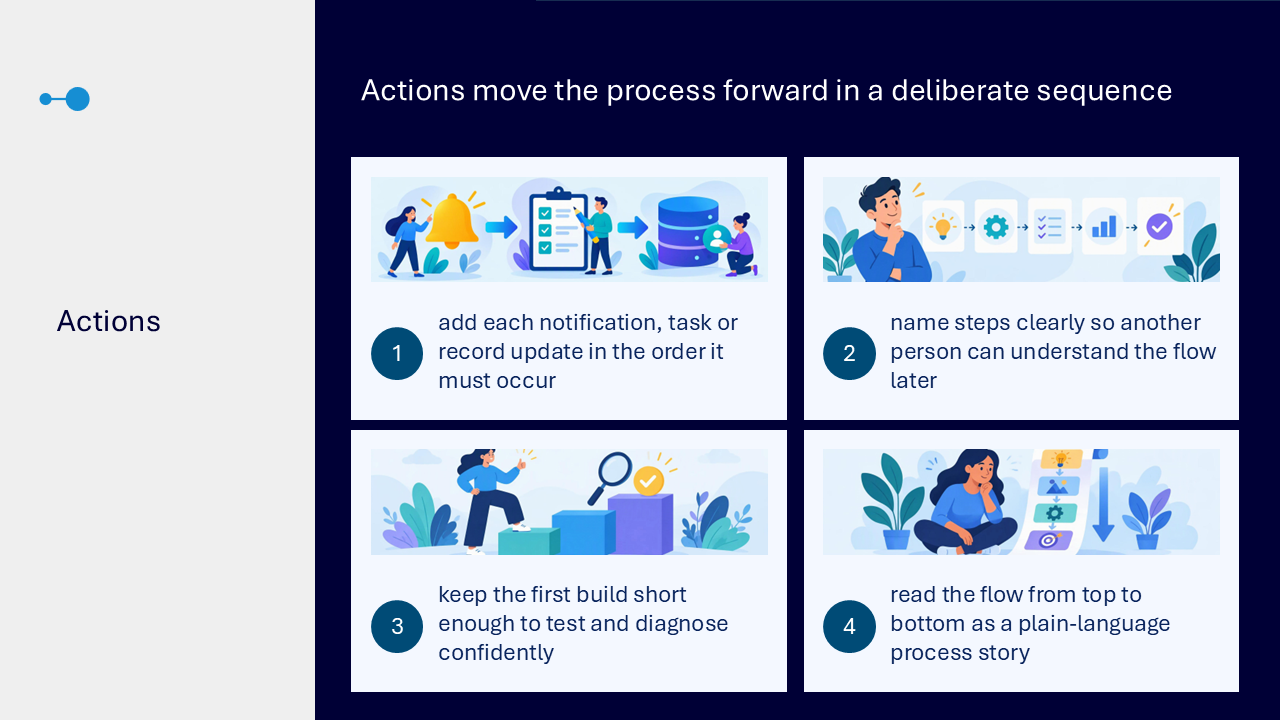
Add actions in sequence
- add each notification, task or record update in the order it must occur
- name steps clearly so another person can understand the flow later
- keep the first build short enough to test and diagnose confidently
- read the flow from top to bottom as a plain-language process story
Match the flow pattern to the starting event
- event in a connected service: automated flow, such as responding when an item is created or changed
- person deliberately starts it: instant flow, such as running a controlled action when needed
- defined time is reached: scheduled flow, such as completing routine work at an agreed interval
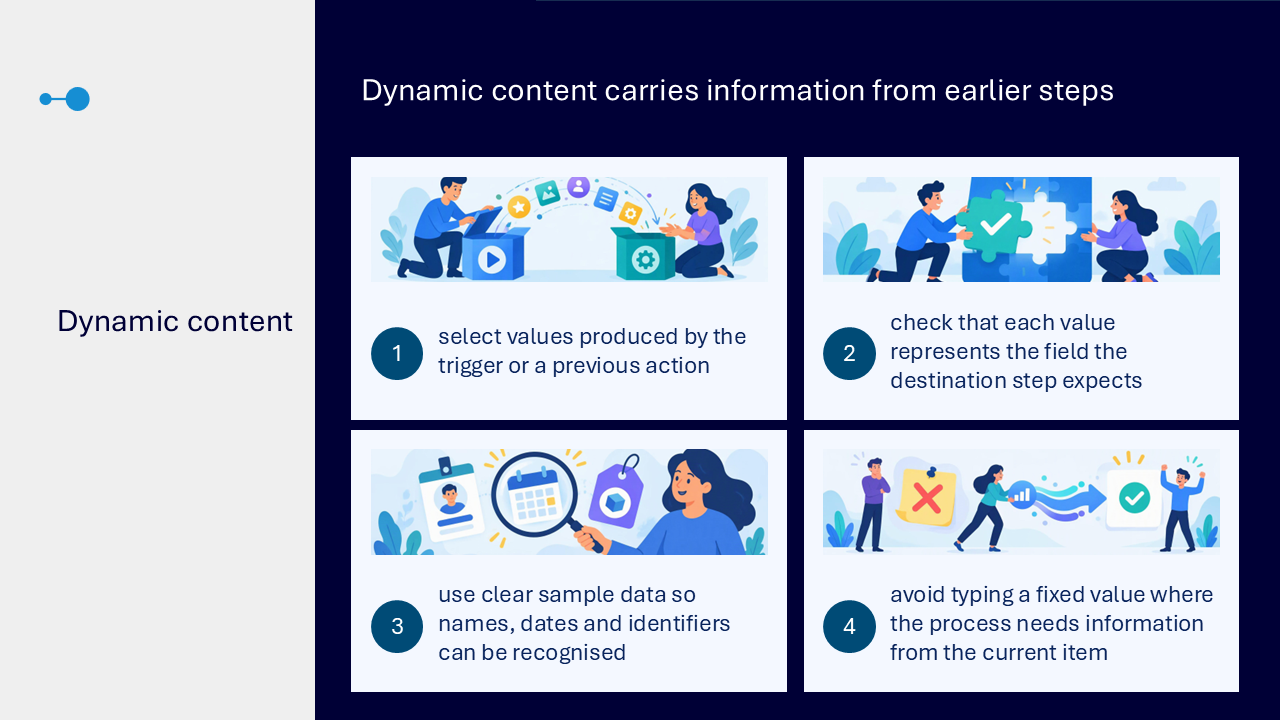
Use dynamic content
- select values produced by the trigger or a previous action
- check that each value represents the field expected by the destination step
- use clear sample data so names, dates and identifiers can be recognised
- avoid typing a fixed value when the process needs information from the current item
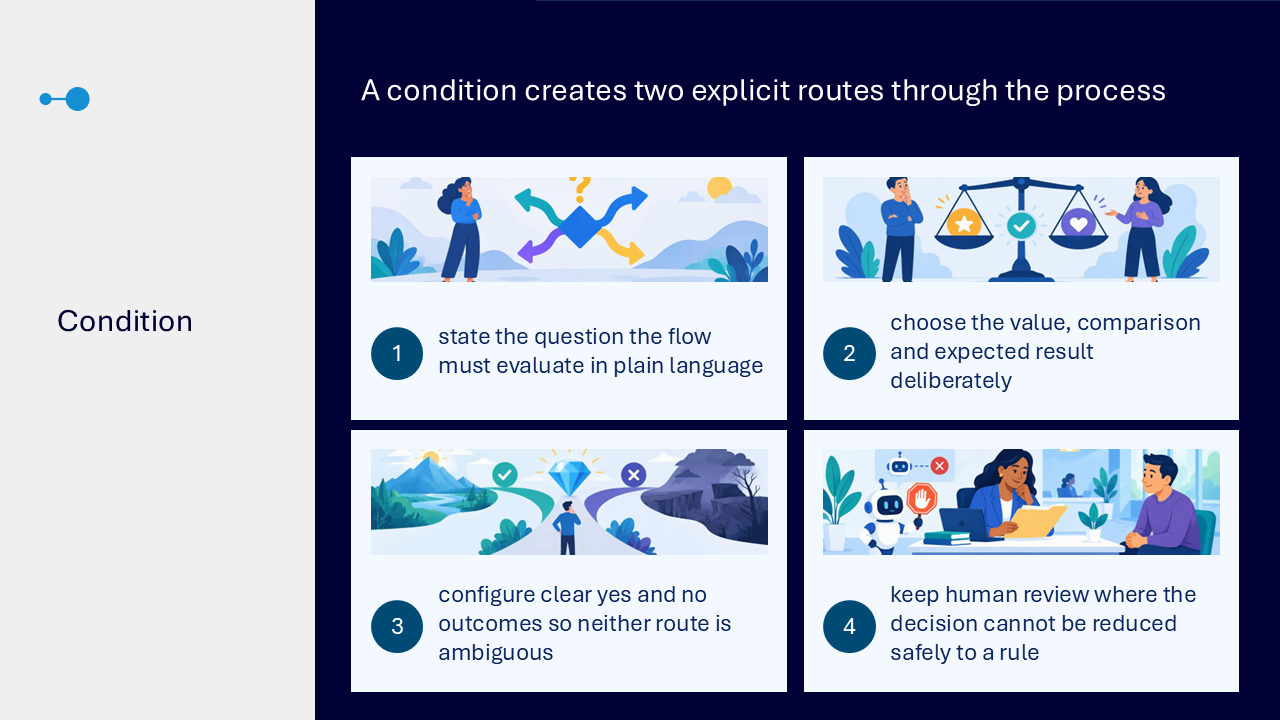
Use one clear condition
- state the question the flow must evaluate in plain language
- choose the value, comparison and expected result deliberately
- configure clear yes and no outcomes
- keep human review where the decision cannot be reduced safely to a rule
Check connections and permissions
- each connector uses a connection associated with an account or service
- the flow can act only through the access available to its connections
- a changed password, role or permission may cause a previously working step to fail
- review connections before wider use and avoid relying on one unavailable owner
Test the prepared route
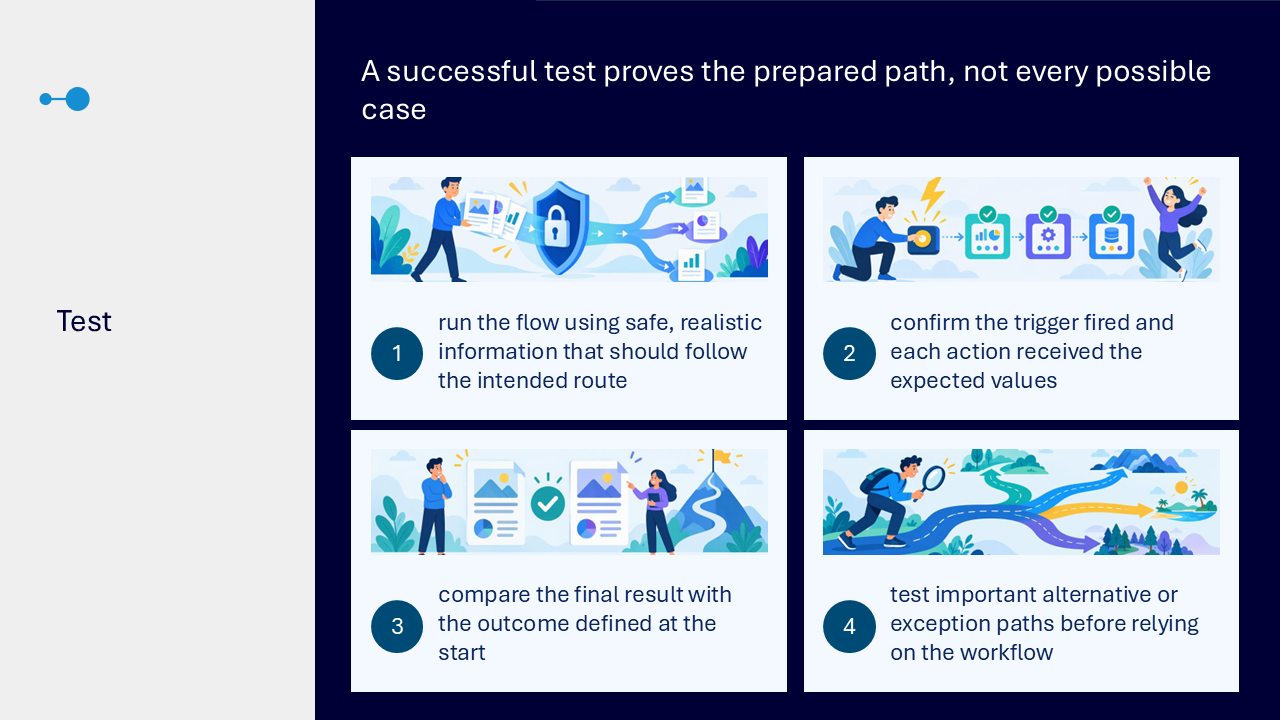
- run the flow using safe, realistic information that should follow the intended route
- confirm that the trigger fired and each action received the expected values
- compare the result with the outcome defined at the start
- test important alternative or exception paths before relying on the workflow
Use Flow Checker
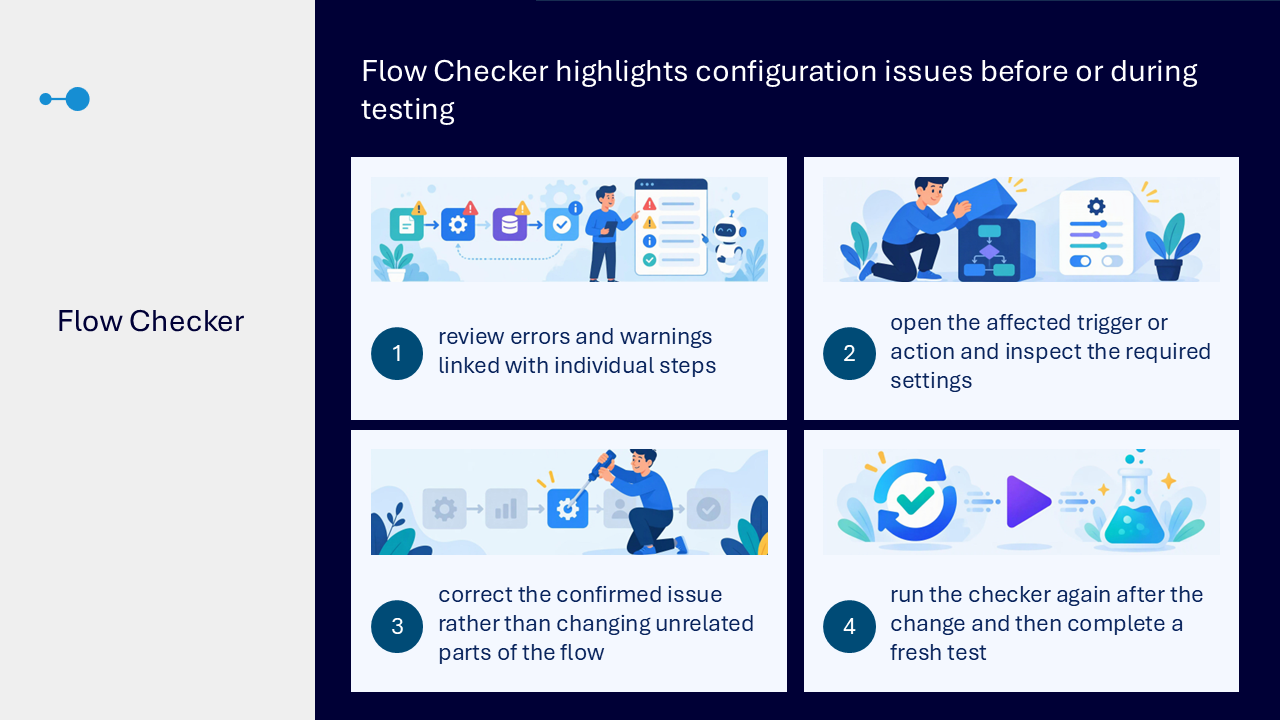
- review errors and warnings linked with individual steps
- open the affected trigger or action and inspect required settings
- correct the confirmed issue rather than changing unrelated parts of the flow
- run the checker again and complete a fresh test
Use run history as evidence
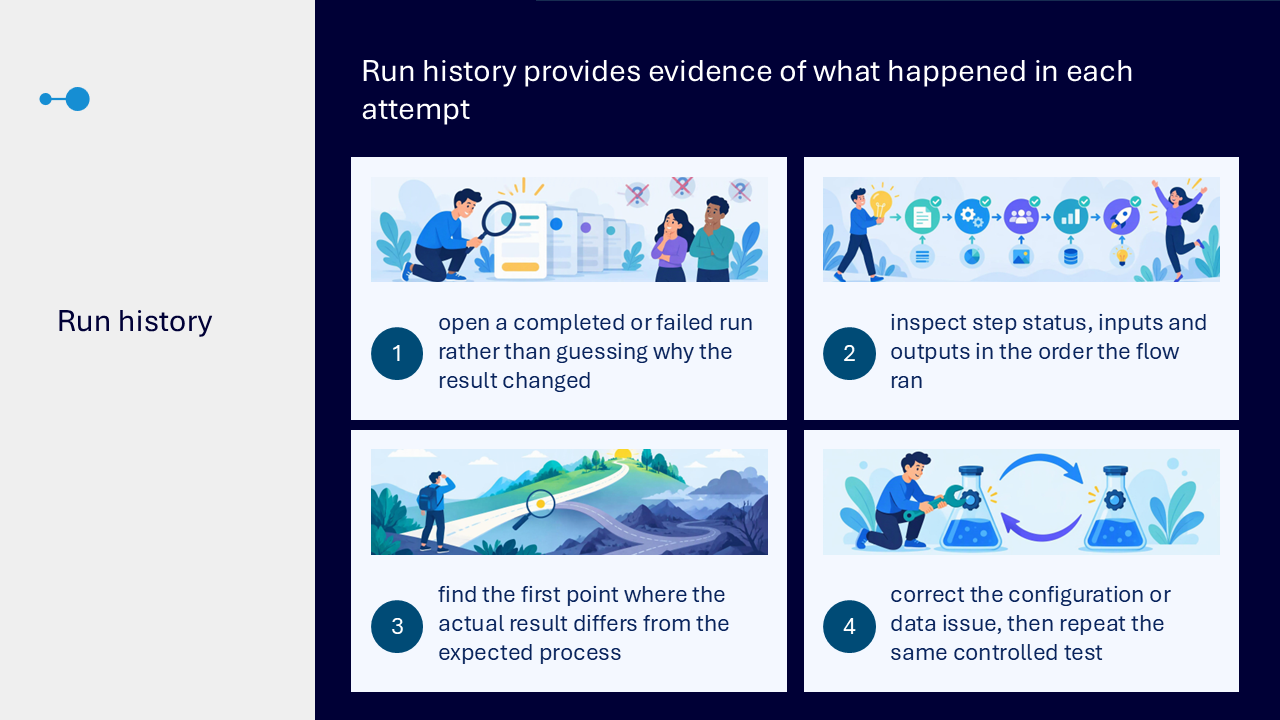
- open a completed or failed run instead of guessing why the result changed
- inspect step status, inputs and outputs in the order the flow ran
- find the first point where the actual result differs from the expected process
- correct the configuration or data issue, then repeat the same controlled test
Diagnose a failed run
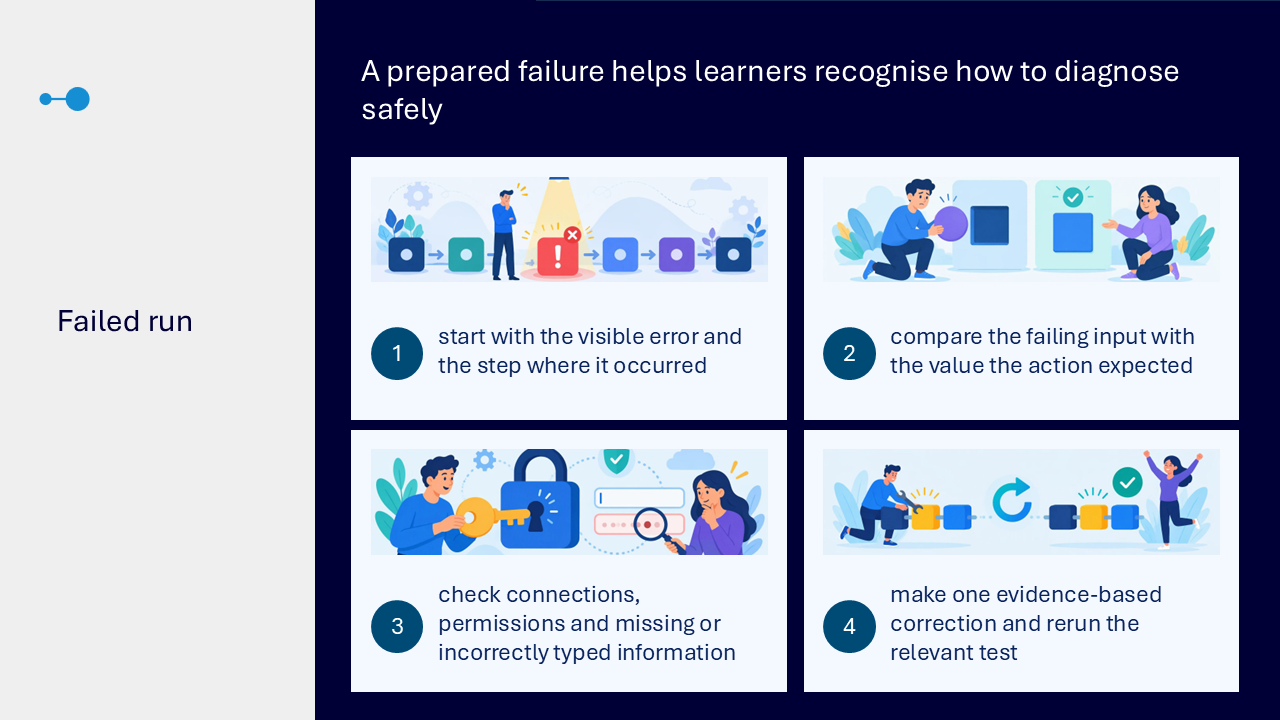
- start with the visible error and the step where it occurred
- compare the failing input with the value the action expected
- check connections, permissions and missing or incorrectly typed information
- make one evidence-based correction and rerun the relevant test
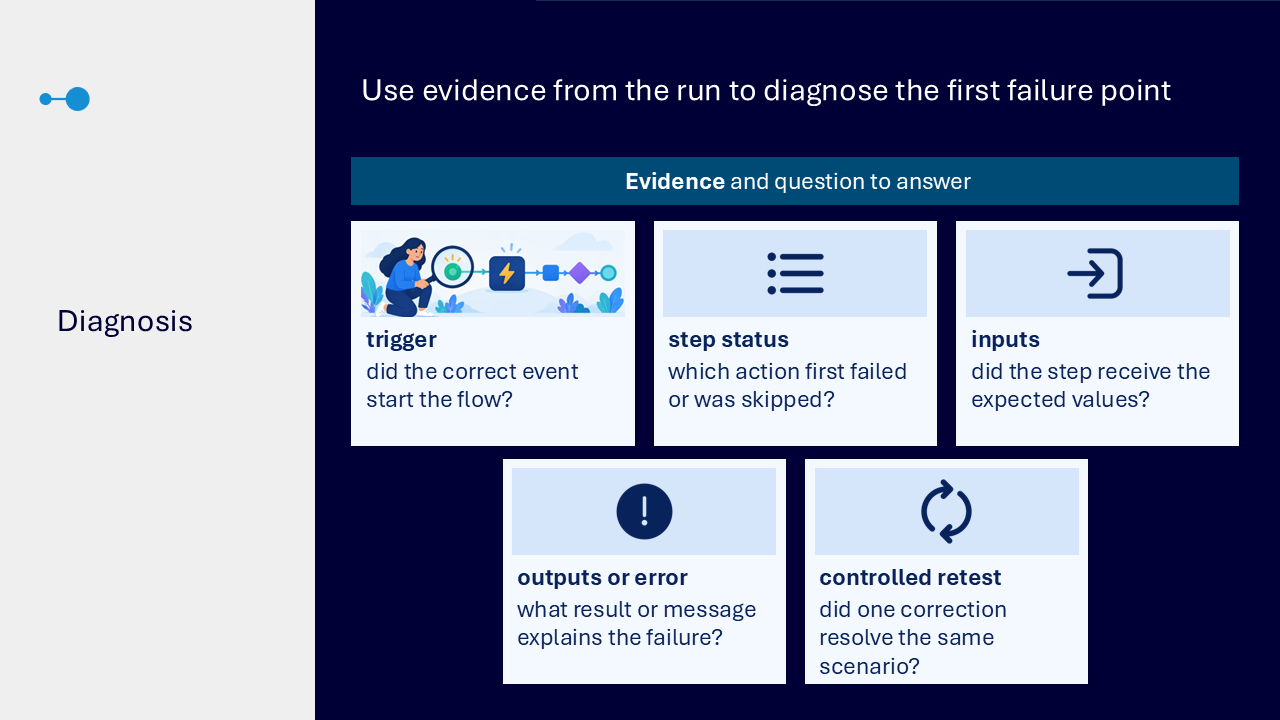
Use a diagnosis checklist
- trigger: did the correct event start the flow
- step status: which action first failed or was skipped
- inputs: did the step receive the expected values
- outputs or error: what result or message explains the failure
- controlled retest: did one correction resolve the same scenario
Plan ownership and maintenance
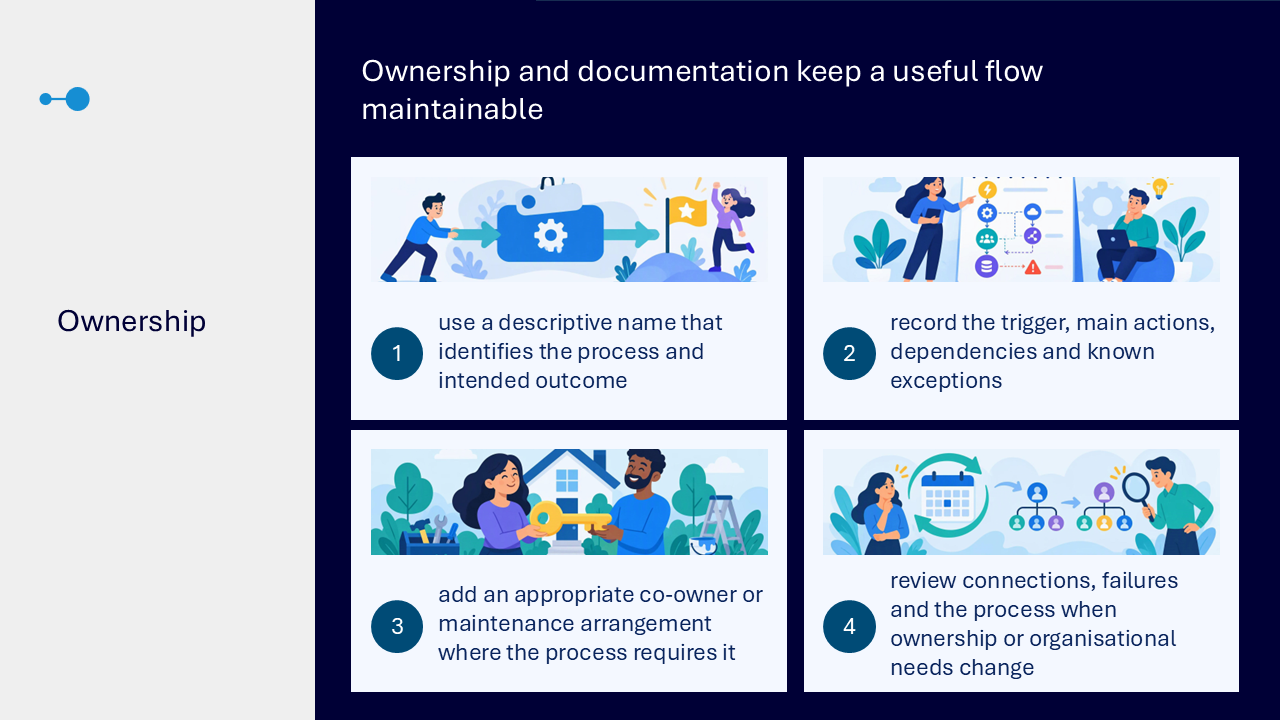
- use a descriptive name that identifies the process and intended outcome
- record the trigger, main actions, dependencies and known exceptions
- add an appropriate co-owner or maintenance arrangement where needed
- review connections, failures and the process when ownership or organisational needs change
What the visuals and demonstrations showed
The visual sequence followed one routine task from a manual process map to a tested flow with documented ownership.
- identifying the trigger, repeated actions, result and human exceptions
- choosing an automated, instant or scheduled flow
- configuring the trigger with safe sample data
- adding a short sequence of clearly named actions
- selecting dynamic content from earlier steps
- creating one explicit condition with yes and no routes
- checking connections and permissions
- testing the intended route and an exception path
- using Flow Checker to inspect a configuration issue
- opening run history and reviewing step inputs and outputs
- finding the first failure point and making one correction
- recording ownership, dependencies and review needs
Key takeaways
- map the task before opening the flow builder
- name the trigger, repeated actions, result and human exceptions
- choose the flow pattern from how the process begins
- keep the first build short and reviewable
- use dynamic content instead of unnecessary fixed values
- use one clear condition and preserve human judgement
- test with safe data, Flow Checker and run history
- document the flow and plan who will maintain it
A dependable Power Automate journey
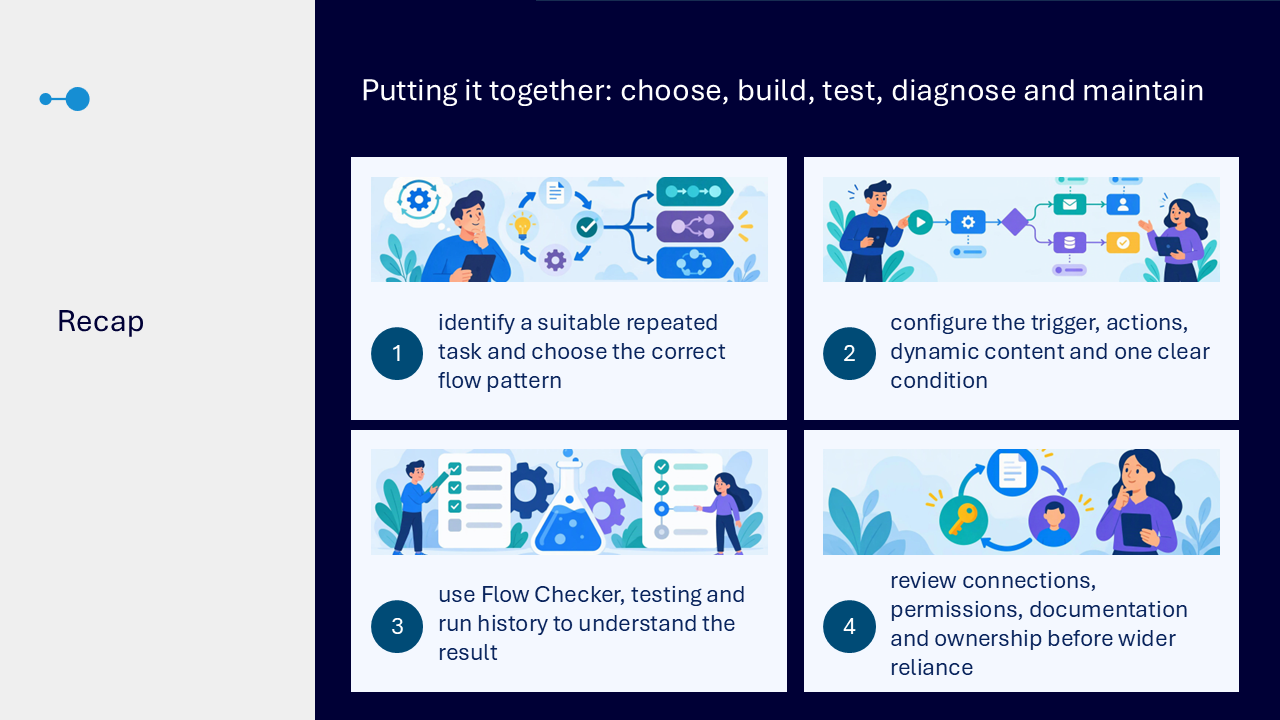
- choose a bounded repetitive task
- map the manual process
- select the flow pattern
- configure the trigger, actions, dynamic content and condition
- test the prepared and exception routes
- diagnose from Flow Checker and run evidence
- document and assign ownership
Actions you can take
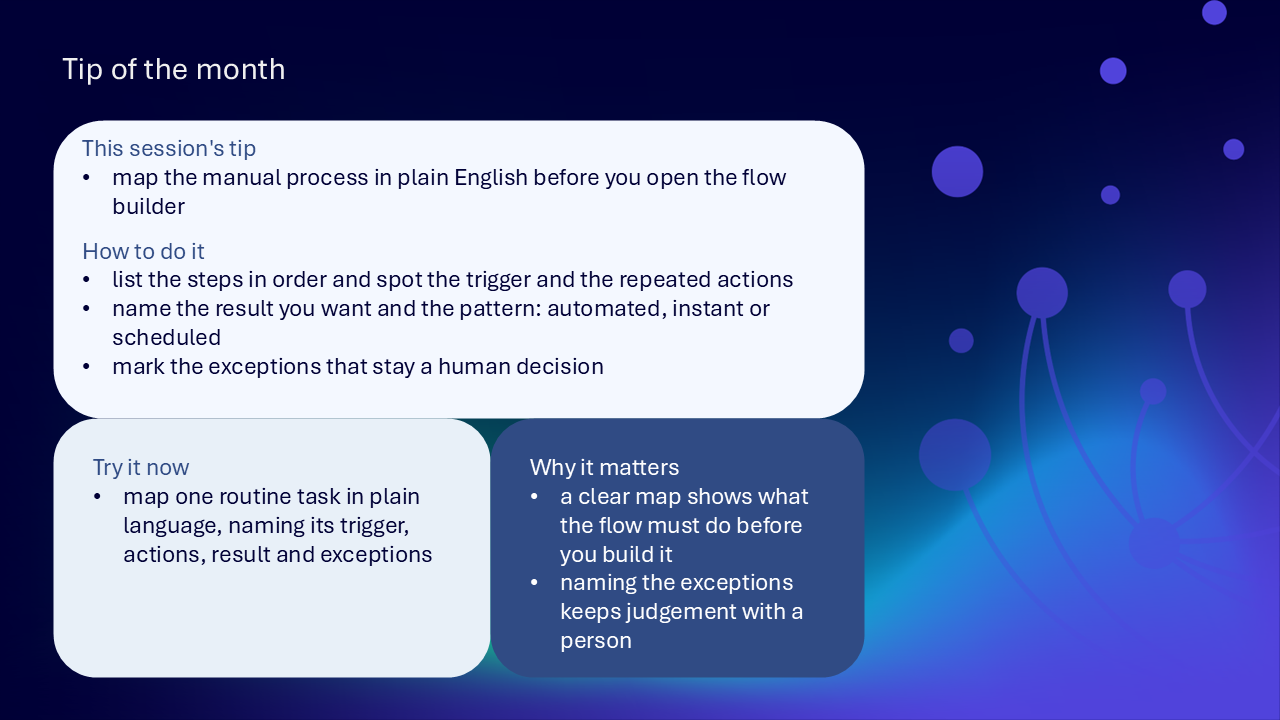
Try the tip of the month
This session’s tip: map the manual process in plain language before you open the flow builder
How to do it: list the steps in order, identify the trigger and repeated actions, name the result and flow pattern, and mark the exceptions that remain a human decision
Why it matters: a clear map shows what the flow must do and keeps judgement with a person
Try it now: map one routine task by naming its trigger, actions, result and exceptions
Build confidence with one practical route
- choose one routine Microsoft 365 task
- write the trigger in one sentence
- list the current actions in order
- identify information that moves between steps
- mark decisions and exceptions that stay with a person
- select the automated, instant or scheduled pattern
- build a short test version
- run Flow Checker
- complete one controlled test
- inspect run history and document the result
- name the owner and next review point
Questions and feedback
Questions are welcome. If something is unclear, ask for it to be explained another way or demonstrated again.
Complete the Support and Skilling Week feedback form
Contact WeChange.AI
For skilling queries, email training@wechange.ai.
Andrew Boxall, Managing Director: andrew@wechange.ai
Paul Ford, Industry Director for Education and Philanthropies: paul@wechange.ai
Josh Wilson, Industry Specialist: josh@wechange.ai
Elle Avilla, Customer Success and Delivery Skilling Lead: elle@wechange.ai
Izzy Pochin, Resources and Accessibility Lead: izzy@wechange.ai
Activity sheet
Follow one routine Microsoft 365 task from its manual process through trigger, actions, dynamic content, a condition, controlled testing and maintainable ownership.
How to use this activity sheet
This sheet supports Session 19: Microsoft Power Automate. Use it after the live session, or follow selected steps while your trainer demonstrates one bounded workflow from process map to tested result.
- work at your own pace and pause after each activity
- use safe practice data and a bounded test process
- map the process before opening the flow designer
- keep exceptions and sensitive decisions with a person where judgement is required
- make one evidence-based change at a time when diagnosing a failure
What you will achieve
- choose a repetitive task with a clear trigger and safe result
- map the manual process in plain language
- choose an automated, instant or scheduled flow from how the process begins
- configure the trigger and check its connection and permissions
- add a short sequence of clearly named actions
- use dynamic content from earlier steps
- create one explicit condition with clear yes and no routes
- test the intended and important alternative paths
- use Flow Checker to identify confirmed configuration issues
- use run history, step inputs and outputs to find the first failure point
- document dependencies, exceptions and maintenance arrangements
- assign proportionate ownership before wider reliance
Your learning route
| Stage | You will practise |
|---|---|
| 1. Choose the task | repetition, trigger, result and human exceptions |
| 2. Map the process | ordered actions, information and failure points |
| 3. Choose the pattern | automated, instant or scheduled |
| 4. Build | trigger, actions, dynamic content and condition |
| 5. Test | safe data, intended route and alternatives |
| 6. Diagnose | Flow Checker, run history, inputs and outputs |
| 7. Maintain | connections, documentation and ownership |
Before you start
- sign in to the Power Automate environment provided by your organisation
- choose one routine Microsoft 365 task you are authorised to practise
- prepare safe, recognisable sample data
- identify the person who would decide any exception
- avoid changing a live process during practice
- allow about 45 to 60 minutes, or complete one activity at a time
Notice: Connectors, flow creation, sharing and run information depend on organisational access, permissions and settings. Complete only the activities available and authorised in your environment.
Activity 1: Choose a suitable first automation
Outcome: Select a repeated task with a recognisable beginning, bounded steps and a safe result.
- Name the repeated Microsoft 365 task.
- Write what happens first.
- Identify the actions currently repeated by a person.
- Name the result the process should produce.
- List any exception or sensitive decision that must remain human-owned.
- Choose a test that will not disrupt live work.
| Suitability check | Your answer |
|---|---|
| repeated task | |
| first event | |
| repeated actions | |
| intended result | |
| human exception or decision | |
| safe test boundary |
Pause and check
Activity 2: Map the manual process as a story
Outcome: Describe the process clearly before building it in the designer.
- Write the trigger in one sentence.
- List the actions in the order a person completes them.
- Name information that moves from one step into the next.
- Mark decisions and exceptions.
- Mark likely failure points.
- Read the complete map as a plain-language story.
| Process part | Your description |
|---|---|
| trigger | |
| action 1 | |
| action 2 | |
| information passed onwards | |
| decision or exception | |
| failure point | |
| final result |
Pause and check
Activity 3: Choose the flow pattern
Outcome: Match the flow design to how the real process begins.
| Process begins when | Flow pattern | Your example |
|---|---|---|
| an event occurs in a connected service | automated | |
| a person deliberately starts it | instant | |
| a defined recurring time is reached | scheduled |
- Return to the first event in the process map.
- Choose automated, instant or scheduled.
- Explain why another pattern would be less suitable.
- Keep the choice based on process need rather than an available template.
The pattern I chose: ____________________________________________________________________
My reason: ____________________________________________________________________
Pause and check
Activity 4: Configure the trigger
Outcome: Represent the genuine start event and verify the connection being used.
- Select the Microsoft 365 event that starts the process.
- Configure only details needed to identify the correct items.
- Check the account or service connection.
- Check the permissions available to that connection.
- Use safe data to test the trigger before adding complexity.
- Confirm that the correct event started the flow.
| Trigger check | Your finding |
|---|---|
| service or connector | |
| event | |
| identifying details | |
| connection | |
| permission consideration | |
| safe test result |
Pause and check
Activity 5: Add and name the actions
Outcome: Build a short sequence that another person can read and understand.
- Add the first notification, task or record update.
- Add the next required action.
- Keep the first build short.
- Rename steps so they explain their purpose.
- Read the flow from top to bottom.
- Remove an action not required for the first test.
| Step | Purpose | Clear name |
|---|---|---|
| action 1 | ||
| action 2 | ||
| optional action 3 |
Pause and check
Activity 6: Use dynamic content deliberately
Outcome: Carry the correct information from the trigger or an earlier action into the next step.
- Choose one destination field in an action.
- Select the value produced by the trigger or a previous action.
- Check that the selected value matches what the destination expects.
- Use recognisable sample names, dates or identifiers.
- Replace a fixed practice value where the current item should supply the information.
- Run a controlled test and inspect the value received.
| Destination field | Dynamic value | Source step | Expected sample |
|---|---|---|---|
Pause and check
Activity 7: Add one clear condition
Outcome: Create two explicit routes while keeping non-rule-based judgement with a person.
- State the question the flow will evaluate in plain language.
- Choose the value.
- Choose the comparison.
- Choose the expected result.
- Configure the yes route.
- Configure the no route.
- Confirm that neither route is ambiguous.
- Leave any decision that cannot be reduced safely to a rule with a person.
| Condition part | Your choice |
|---|---|
| plain-language question | |
| value | |
| comparison | |
| expected result | |
| yes route | |
| no route | |
| human review retained for |
Pause and check
Activity 8: Review connections and permissions
Outcome: Understand which accounts or services allow the flow to reach each system.
- List the connector used by each step.
- Identify the associated connection.
- Check that the connection has the required access.
- Consider what would happen after a password, role or permission change.
- Identify whether the flow relies on one unavailable owner.
- Record a maintenance action before wider use.
| Dependency | Your finding |
|---|---|
| connector and connection | |
| required access | |
| change that could cause failure | |
| single-owner risk | |
| maintenance action |
Pause and check
Activity 9: Test the intended route
Outcome: Prove the prepared scenario and compare the result with the outcome defined at the start.
- Use safe, realistic test information.
- Run the flow.
- Confirm that the trigger fired.
- Confirm that each action received expected values.
- Check which condition route ran.
- Compare the final result with the intended outcome.
- Record what this test does not prove.
| Test check | Your finding |
|---|---|
| test information | |
| trigger result | |
| action values | |
| condition route | |
| final result | |
| case not yet tested |
Pause and check
Activity 10: Test alternatives and exceptions
Outcome: Check important routes before relying on the workflow.
- Choose a safe example for the alternative condition route.
- Choose an important exception from the process map.
- Run one scenario at a time.
- Check whether the expected branch or human route is used.
- Confirm that no live or sensitive action was triggered.
- Record any untested case that still prevents wider use.
| Scenario | Expected route | Observed result | Action |
|---|---|---|---|
| alternative condition | |||
| important exception |
Pause and check
Activity 11: Use Flow Checker
Outcome: Correct a confirmed configuration issue without changing unrelated parts of the flow.
- Open Flow Checker.
- Review errors and warnings linked to individual steps.
- Open the affected trigger or action.
- Inspect the required setting.
- Correct the confirmed issue.
- Run Flow Checker again.
- Complete a fresh test.
| Checker finding | Affected step | Correction | Retest result |
|---|---|---|---|
Pause and check
Activity 12: Diagnose with run history
Outcome: Use execution evidence to find the first point where actual behaviour differs from the process map.
- Open a completed or failed run.
- Read step status in order.
- Inspect the trigger details.
- Inspect step inputs.
- Inspect step outputs or error details.
- Find the first point of difference.
- Correct the configuration or data issue.
- Repeat the same controlled test.
| Evidence | Question | Your finding |
|---|---|---|
| trigger | did the correct event start the flow? | |
| step status | which action first failed or was skipped? | |
| inputs | did the step receive expected values? | |
| outputs or error | what explains the result? | |
| controlled retest | did one correction resolve the same scenario? |
Pause and check
Activity 13: Diagnose a prepared failure
Outcome: Practise one evidence-based correction safely.
- Start with the visible error and affected step.
- Compare the failing input with the expected value.
- Check the connection and permissions.
- Check missing or incorrectly typed information.
- Choose one evidence-based correction.
- Rerun the relevant test.
- Record whether the same failure is resolved.
The visible error: ____________________________________________________________________
The first failure point: ____________________________________________________________________
The expected and actual input: ____________________________________________________________________
The single correction: ____________________________________________________________________
The retest result: ____________________________________________________________________
Pause and check
Activity 14: Document and assign ownership
Outcome: Make the flow understandable and maintainable after the initial build.
- Give the flow a descriptive name identifying process and outcome.
- Record the trigger.
- Record the main actions and condition.
- Record connections and dependencies.
- Record known exceptions and untested cases.
- Name the accountable owner.
- Add an appropriate co-owner or maintenance arrangement where required.
- Choose when connections, failures and the process will be reviewed.
| Maintenance record | Your entry |
|---|---|
| flow name | |
| trigger | |
| main actions and condition | |
| connections and dependencies | |
| known exceptions or gaps | |
| owner or co-owner | |
| review point |
Pause and check
Put it into practice: build one bounded workflow
Scenario: A team manually copies details from a new Microsoft 365 item into a notification and records whether it needs a standard or human-reviewed route.
- define the safe result and human exception
- map the trigger, repeated actions, information and failure points
- choose the flow pattern
- configure the trigger and verify its connection
- add and name the actions
- insert dynamic content from the current item
- add one clear condition with yes and no routes
- test the intended, alternative and exception scenarios
- use Flow Checker and run history to diagnose evidence
- document the flow, dependencies, ownership and review point
The task and result: ____________________________________________________________________
The trigger and pattern: ____________________________________________________________________
The actions and dynamic content: ____________________________________________________________________
The condition and human exception: ____________________________________________________________________
The test and diagnosis: ____________________________________________________________________
The owner and review point: ____________________________________________________________________
Quick reference: choose the Power Automate route
| If you need to… | Try… |
|---|---|
| start when a connected event occurs | an automated flow |
| start deliberately when needed | an instant flow |
| start at a recurring time | a scheduled flow |
| carry information forward | dynamic content from the trigger or an earlier action |
| create two rule-based routes | a condition with explicit yes and no outcomes |
| identify configuration issues | Flow Checker |
| understand an actual run | run history, step inputs and outputs |
| find a failure safely | locate the first difference and make one correction |
| protect continuity | document connections, exceptions, owner and review point |
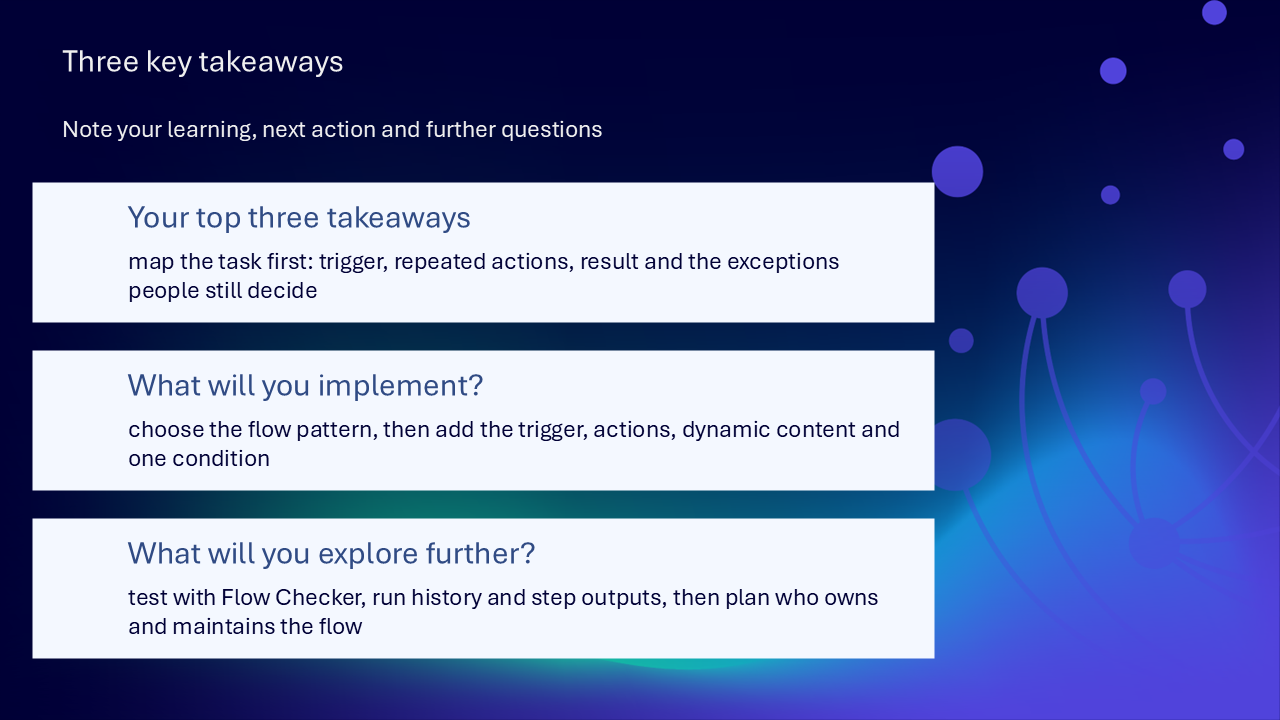
Your three takeaways
My most useful learning: ____________________________________________________________________
What I will implement: ____________________________________________________________________
What I will explore further: ____________________________________________________________________
If you need help
- name the flow, trigger, action, condition or failed step involved
- state the expected result and observed result
- note the exact visible error and relevant run details
- ask your local support route about connectors, permissions, ownership or unavailable features
- avoid sharing screenshots containing personal, confidential or sensitive information
Confidence grows through a controlled automation journey: map the task, build the smallest useful flow, test with evidence, diagnose the first failure point and maintain clear ownership.
Reflective journal
Why we ask you to reflect
Continuing Professional Development (CPD) is formative and it is about what it achieves for you and your organisation.
Instead of formally assessing your learning, we ask you to write a reflective note. This should reflect on how the learning was relevant and how it will impact your working practices.
Taking time to reflect on your learning makes it more likely you will embed it in your future practice.
What to cover and when
What your reflection should cover
- how the learning was relevant to you
- how the learning will impact your practice
When to complete it
Reflect as soon as possible following the skilling session. This keeps your note contemporaneous (written close to the time) and meaningful. Fill it in on your device, so the boxes expand as you type.
| Topic | What to know |
|---|---|
| Timing | Complete the note as soon as possible after the training event. |
| Purpose | To embed the learning within your subsequent practice. |
| Focus | How the learning was relevant and how it will impact your practice. |
Your reflective note
Complete each row below. Write in your own words. Your notes are private to you unless you choose to share them.
| Prompt | Your response |
|---|---|
| Skilling session title | |
| Date of the skilling session | |
| Date you completed this note | |
| How was the learning relevant to you and your work? | |
| How will the learning impact your practice? |
Recommended resources
These curated resources accompany the WeChange.AI skilling offer of Continuing Professional Development (CPD) accredited, and non-accredited, sessions. Use them before a session to build familiarity, or afterwards to revisit and apply the learning in day-to-day work.
Alongside these resources, Navigator helps WeChange.AI customers find personalised recommendations and available learning on Microsoft 365 tools, accessibility and AI relevant to their role. Returning to Navigator after a session can help you connect new knowledge with practical workplace needs, choose a useful next step and keep learning visible as confidence grows.
An introduction to Power Automate and the kinds of flows you can build. A useful starting point before you choose a first task to automate.
A short training module covering creating a cloud flow, recurring flows, monitoring incoming email and sharing flows. It also includes a unit on troubleshooting flows.
A step-by-step tutorial that builds a scheduled flow, tests it, then runs it. It offers a route using Copilot and a route without it.
Explains how to build connected workflows around request information stored in Lists or SharePoint. Useful for seeing how a flow fits into a wider process.
Explains how to collect structured information in Forms and have it flow into Excel through Power Automate. A practical first automation to try.