
WeChange.AI – Essential Digital Literacy Series
Welcome to our Essential Digital Literacy series! At WeChange.AI, we understand that everyone starts their tech journey from a different place. Maybe you’ve just begun using computers, or perhaps you know the basics but need a bit more confidence – wherever you’re at, we’re here to help you take the next step. Why are we […]
Introduction to Essential Digital Literacy
Overview We’ll start with some basic computer skills to introduce the concept of digital literacy, and help you familiarise yourself with your device. Next, we’ll explore file management principles and practices, including File Explorer and the difference between local and cloud storage. Keeping secure and safe is absolutely critical and we’ll talk about how to […]
Security and safety
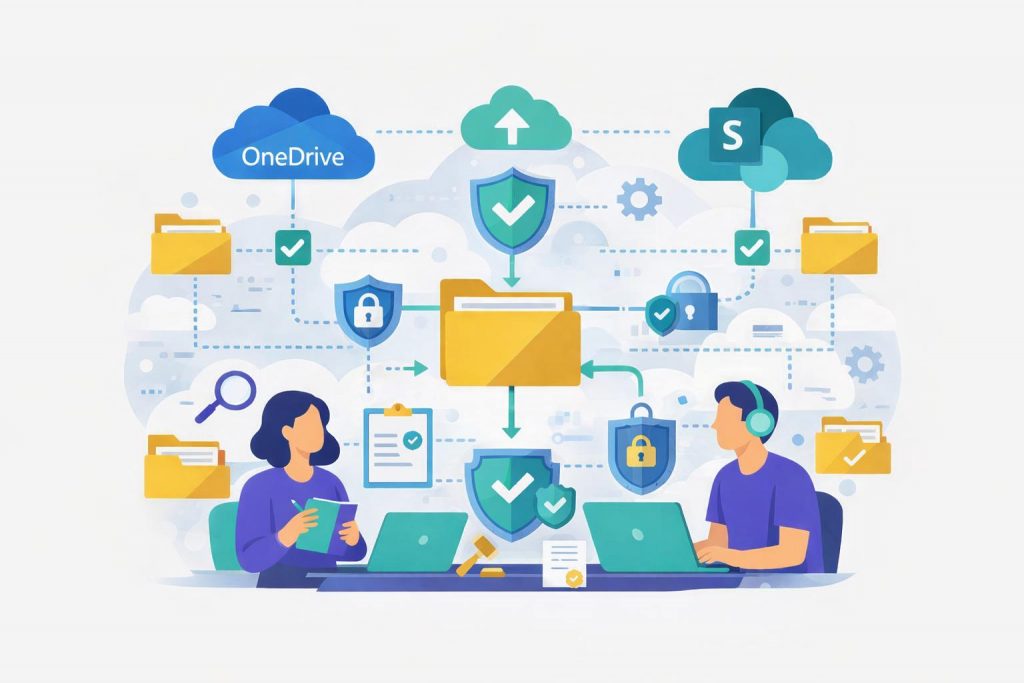
Why Security and Privacy Matter Security protects your devices and data from harm. Privacy keeps your personal information safe. Simple habits help you stay in control when using technology. This section is a very brief introduction to security – if you’re even unsure, do not risk your safety – ask an expert. Protect Your Device […]
Navigating files & folders – the basics
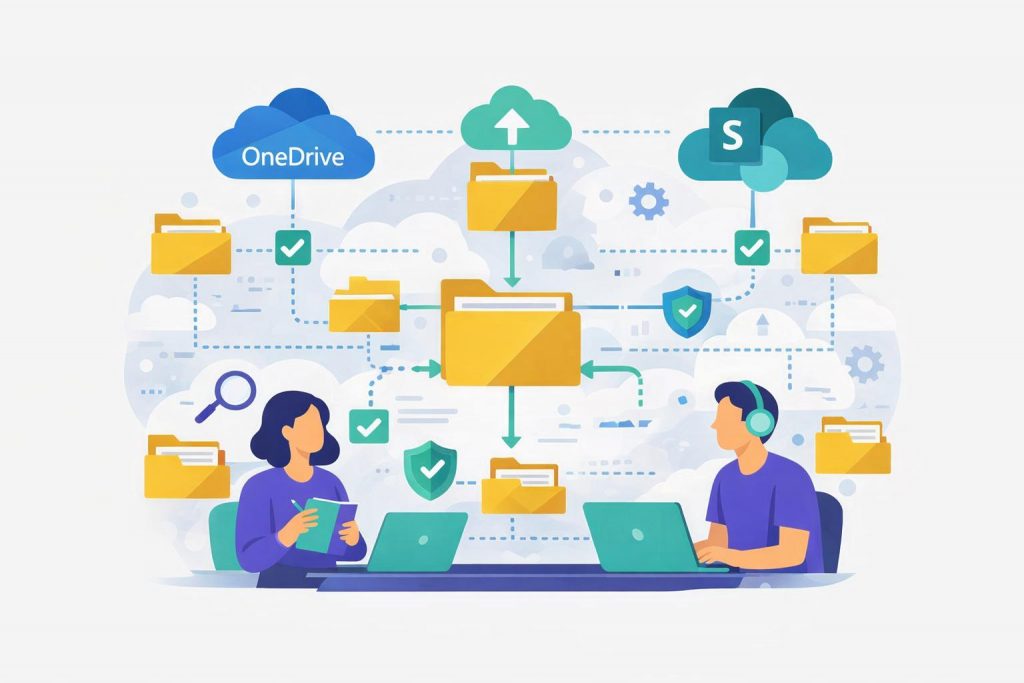
Understanding File Explorer and Saving Your Work Safely Thing of managing files as your digital filing cabinet, helping you find, open, and organise your documents. When we say files, these could be a wide range of things, word documents, videos, pictures, Excel spreadsheets and literally thousands more. The important point to recognise is that managing […]
Keyboard shortcuts & Tips
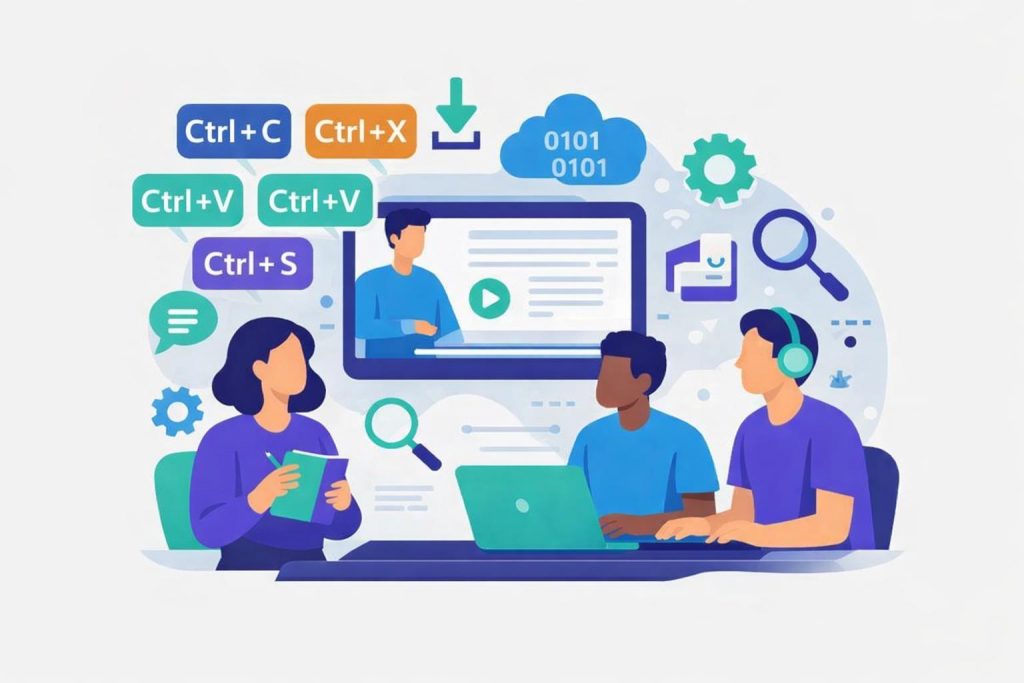
Shortcuts and tips Tiles Keyboard Shortcuts & Tips Cheat Sheet For Microsoft Word, Excel, PowerPoint, Outlook, Teams, and Microsoft 365 homepage Microsoft Search Bar The Search bar is a powerful tool available at the top of most Microsoft apps and the Microsoft 365 homepage. It helps you find: It is useful because: Step-by-Step: Examples of Use: Microsoft […]
Online Meetings
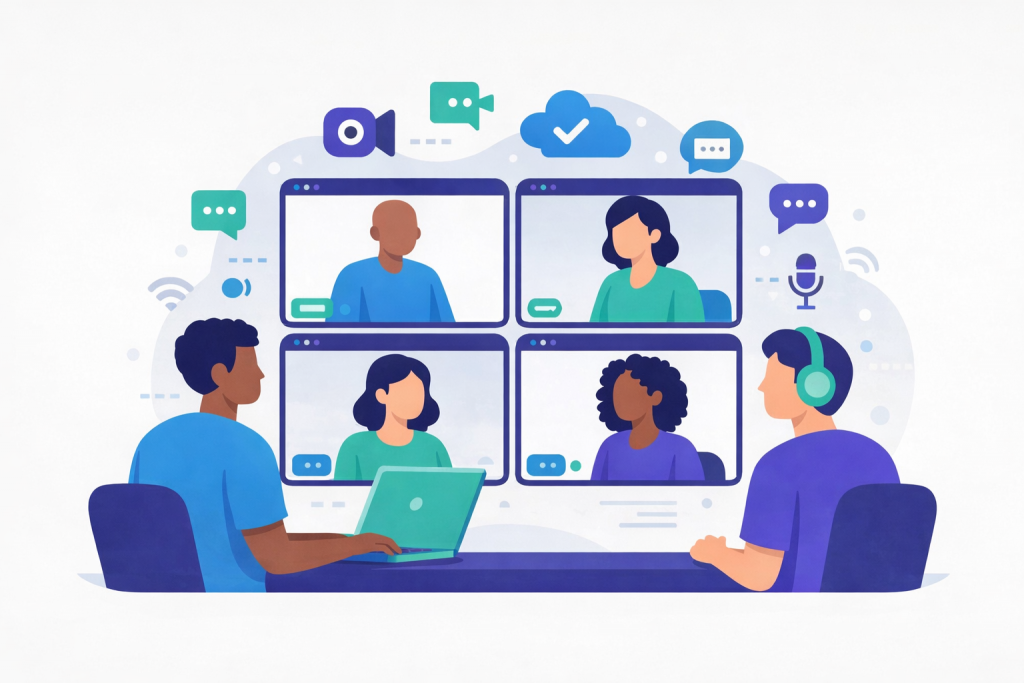
Microsoft Teams What Is Microsoft Teams? Microsoft Teams is a digital tool that lets you join video calls, send messages, share documents and work with other people online. You can use it for meetings, classes, or just to stay in touch. You don’t need to speak or turn on your camera unless you want to. […]