
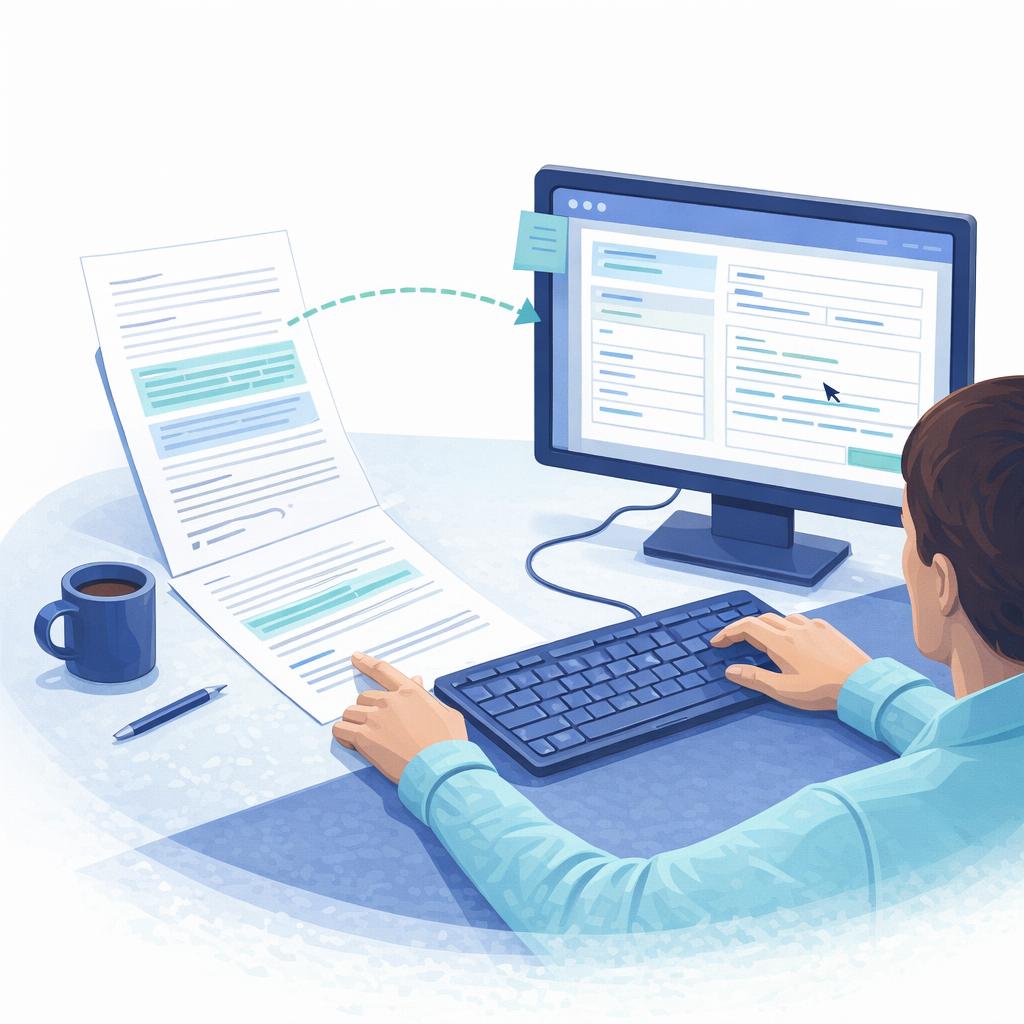
At WeChange.AI, we assess a range of ways people spend their time at work, then share practical suggestions to help reduce time spent on certain activities. One of the activities we assess is typing or copying information from one source to another, sometimes described as re-keying information.
This matters because re-keying is usually time-consuming, can lead to data inaccuracies, and is realistically not something anyone enjoys. It can also be a sign that a process can be improved, not just sped up.
The purpose of this page is simple: help people understand what is possible, without making it feel complicated or scary. Many people do not realise they already have tools available that can remove a lot of this effort.
Start with the key question: why are you having to copy it in the first place?
Before looking at “how to do it faster”, it’s worth asking “why does this copying exist at all?”
Copying information from one place to another is often a sign that:
- The information is being captured in the wrong format (for example, paper first, then digital later)
- There are duplicate systems or duplicate steps
- A team is working around a process that is not designed for how work actually happens
- The organisation has tools that could remove steps, but people are not aware of them
A useful mindset is: if you have to type it twice, the process is doing too much work.
Common scenarios, and practical ways to reduce them
1) Re-keying from paper, scans, or photos into a document or system
This is one of the most common patterns, write something down, print something, scan it back in, then type it up again.
Better options (often quick wins):
- If you can change the process, collect the information digitally in the first place using a form or other input approach, so there is nothing to re-type.
- Use Microsoft Forms help & learning
- Speak to IT about having a form on your website
- Speak to IT about having a Power App (particularly useful for internal processes)
- If you already have a scan or photo, use OCR to copy text instead of re-typing it, this can be for any type of document:
- Use OneNote OCR, copy text from pictures and file printouts
- Or more simply – use Copilot – you can upload an image and ask Copilot to extract the information for you and even request it in a different format – Get started with Microsoft 365 Copilot Chat – Microsoft Support
- There are ways to completely automate the extraction of information, these have been around for well over a decade and are easily implemented. If you’re spending a lot of time re-keying information, speak to IT, this is an easy time saver.
- If the source is handwritten notes, you may be able to convert handwriting to text.
2) Re-keying information into Excel (or copying between spreadsheets)
This often happens when people are trying to track a service, log requests, manage cases, or combine data from different places.
Better options (reduce errors and speed up entry):
- If you have to enter data manually, make it easier and more accurate with drop-downs and validation rules.
- If the data already exists somewhere, explore importing and transforming rather than copying and pasting.
A practical tip for managers: if a team is repeatedly re-keying into spreadsheets, it can be a sign that the team needs a more structured way to capture and manage the information, not more effort.
3) Re-keying into a system you have to use (case management, finance, HR, line-of-business systems)
This is where it can feel hardest, because people often think, “I have no choice, the system needs it typed in.”
Sometimes you do have no choice, but re-keying can still be reduced by:
- Changing how information arrives, so it is structured and consistent (for example, a form instead of emails or paper)
- Working with IT to automate parts of the process, especially where the same data is being entered repeatedly
This is not something an individual should try to solve alone. If you are seeing repeated re-keying into a system, it is a great conversation to have with your manager and IT team, because it is often a process design issue rather than a personal efficiency issue.
4) Copying content between documents and presentations
Sometimes the “copying” is not data, it is content, for example moving slides, rewriting text, rebuilding documents, or copying information from emails into a report.
A few simple improvements can help:
- Reuse slides rather than rebuilding them.
- Collaborate on a shared document so you are not copying between versions.
In the age of AI, you can often remove the “typing” immediately
Even if you cannot change the full process straight away, AI can help reduce the burden of re-keying.
For example:
- If you have a long email, a scan, meeting notes, or a messy document, you can ask AI to extract the specific fields you need, then paste them into the system you have to use.
- This is often a quick win because it reduces manual effort immediately, even before any bigger process change happens.
A starting point is to use Copilot Chat to extract the details you need.
If the source is an image, scan, or printout, OCR is still a key foundation, and it has been around for a long time. AI just makes it easier to work with the extracted text once you have it.
If you still have to type it, make it quicker and less frustrating
Sometimes, a process cannot be changed immediately. If that is the case, there are still a few “small” improvements that reduce effort:
- Use keyboard shortcuts to speed up common actions.
- Use dictation to produce first drafts quickly, then edit.
These will not remove re-keying completely, but they can make day-to-day work less draining while bigger improvements are explored.
Information Governance matters (especially when changing how information is collected)
Reducing re-keying often means changing how information arrives, how it is stored, and who can access it. That is where Information Governance is essential.
Speak to your Information Governance team when you are:
- moving from paper capture to digital capture
- collecting information via forms
- changing where records are stored
- adjusting retention, access, or audit approaches
This helps you move faster with confidence, and avoids rework later.
Work with your IT team, because re-keying is often a system or process issue
If re-keying is happening regularly, involve your IT team and describe the situation in plain terms:
- Where does the information start?
- Where does it end up?
- Why does it need to be typed again?
- What would “capture once, use many times” look like for this process?
In many organisations, repeated re-keying is a clear sign that a process can be simplified, automated, or redesigned.
Change can be hard, and that is normal
Change can feel disruptive, especially when people are busy and processes are linked to risk, compliance, and service delivery. We recognise that, and it is why WeChange.AI supports organisations at scale to utilise technology more effectively in a practical, people-centred way.
Reducing typing and copying is often one of the quickest ways to remove avoidable admin, reduce errors, and free up time for the work that matters most
Support available through WeChange.AI
This page is part of a wider set created to help WeChange.AI customers spot practical ways technology can support everyday tasks, often using tools they already have. We bring this to life through Navigator (in-context recommendations) alongside regular skilling, Microsoft resources, and clear, practical guidance for all roles. If you would like to commission WeChange.AI to support your organisation, please contact the WeChange.AI team.