
At WeChange.AI, we assess a range of ways people spend their time at work, then suggest practical ways to reduce time spent on certain activities.
For some activities, the answers are straightforward. For others, the best solution depends on your service, your residents, your risk, and the information you need to handle.
Sending paper post is a great example. Many organisations still do it because “that’s how it’s always been done”, even though it often adds extra steps, extra cost, and extra delay.
Across the UK, letter volumes have been falling for years. Ofcom reported that UK addressed letter volumes fell by 9.0% to 6.6 billion items in 2023–24, continuing a long-term decline.
Ofcom has also highlighted that letter volumes have halved since 2011, reflecting changing user needs and more digital communication.
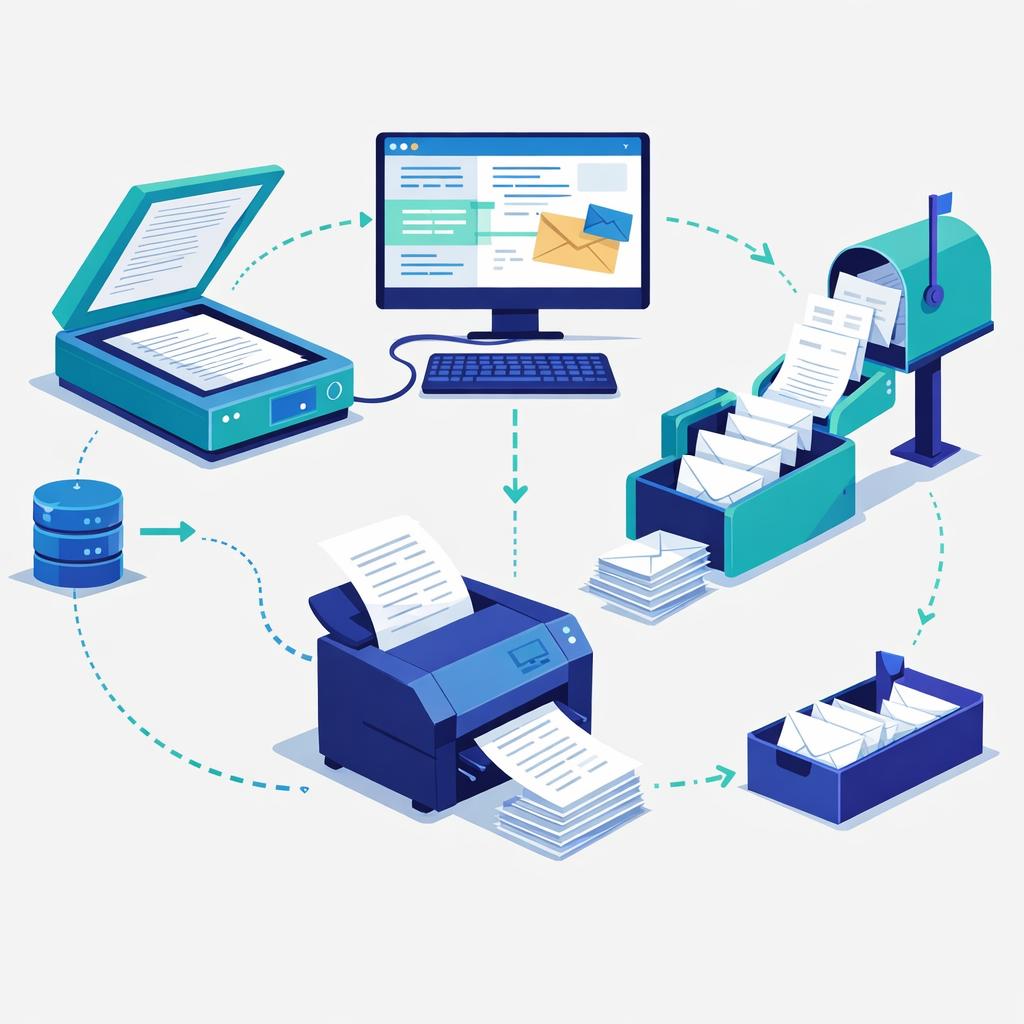
That said, there will still be situations where post is necessary (for example, where legislation requires it, where a person cannot access digital channels, or where proof of delivery is needed). The point is not “never send post”, it’s send it less often, and make it as efficient as possible when you do.
Why this matters: the “triple saving” many teams miss
Reducing paper post usually creates a triple saving, which is why it is such an important area for any organisation to review:
- Direct cost savings
Postage, envelopes, printing, stationery, and any outsourced mail costs. - Time savings in sending the post
The practical effort of producing letters, checking details, printing, preparing envelopes, tracking what was sent, and handling exceptions. - Time savings in handling what comes back (when you’re requesting information)
Opening post, sorting it, chasing missing information, reading handwriting, scanning, and re-typing into systems. (Often the biggest saving of all.)
When you add these together, the savings can be meaningful. The money saved can be reinvested into staff capacity, frontline delivery, or improving the service, rather than being spent on admin that technology can reduce.
It is also often better for the people you are contacting: faster delivery, easier ways to respond, fewer forms to print, and less risk of lost paperwork.
Start with the key question: does this need to be sent at all?
Before improving the process, step back and ask:
What are you trying to achieve by sending this?
Most paper post fits into one of these categories:
- Informing someone (an update, a decision, a reminder, a change)
- Requesting information (asking someone to complete or return something)
- Providing something (a letter, a pack, evidence, a form, a document)
In many cases, you can achieve the same outcome without printing anything.
If you’re trying to inform someone
Consider whether you could use a digital format instead, such as:
- An email (individual or bulk)
- A page on your website (or a short blog post)
- A Microsoft Sway link for a simple, readable “digital leaflet”
- Social media (when it’s appropriate for the message and audience)
This removes steps like printing, enveloping, franking, recording, and physically posting, and it can also make it easier for people to respond quickly.
If you’re requesting information, do not post a form if a digital form will do
If you are sending paper post to request information from someone, this is often where the biggest time savings are found.
Instead of posting a paper form (then waiting, then opening mail, then sorting, then re-keying), consider:
- A form on your website
- Microsoft Forms for quick digital data collection
- If you have no other option, at least use a digital template (for example a Word template) so the data is typed, not handwritten
The key benefit is that digital responses can be collected automatically, then used in a range of ways without re-typing.
It can reduce errors, speed up processing, and give you cleaner data.
In the age of AI, you can go much further than mail merge
Mail merge is a helpful step up from manual letters, but AI-enabled support can take this further, especially when you need communication that is:
- Clearer and more human (not “template-sounding”)
- Personalised to the person’s circumstances
- Consistent in tone and structure
- Quicker to produce, review, and adapt
In practice, AI tools can help draft personalised emails or messages that reflect a resident or customer’s scenario (based on the data you already hold and are permitted to use), while still following your approved wording and policies.
This is significantly more powerful than mail merge because it can adapt the language for:
- different situations (for example, “missing evidence” vs “reminder” vs “next steps”)
- different reading levels (plain English versions)
- different formats (email, SMS-style wording, web copy)
- different channels (and reusing the same core content safely)
Important note: this should always be done with the right governance, controls, and oversight. AI should support your process, not bypass it.
Practical improvements if you still have to send letters
Sometimes you do need to send paper post. When you do, aim to remove manual effort.
1) Standardise the content
Use a small set of approved templates so you are not rewriting the same letter repeatedly.
Use this guide: Creating word templates
2) Automate bulk letters where possible
If you are sending similar letters to many people, you can use Mail Merge to produce them consistently and quickly, rather than copy and paste.
Use this guide: Microsoft guide to Mail-merge
3) Reduce printing and scanning steps
If paper comes back to you (or you receive paper evidence), consider whether it can be captured directly into a secure digital space, so it is not passed around or stored in piles.
Guide: Microsoft guide to scanning with your phone using OneDrive (or use a scanner)
Information Governance matters (especially when contacting people, or collecting information)
Any change from paper to digital must be done safely and appropriately.
When you contact people, or receive information from people, Information Governance is essential. In practice this means:
- Having a clear lawful basis for the contact and the information you collect
- Collecting only what you need, and storing it in the right place
- Using the right channel for the sensitivity of the information
- Applying correct retention, access controls, and audit trails
- Avoiding personal data being sent to the wrong person or stored in the wrong system
Always speak to your Information Governance staff before changing how you contact people or how you collect and store responses.
Work with your IT team, because there is usually a better way
If your service sends paper post regularly, your IT team will often be able to help you find a better approach, especially if:
- You are sending high volumes of similar letters
- You are using paper forms that then need manual processing
- You are printing, scanning, and emailing documents internally
- You are maintaining spreadsheets or databases manually based on returned post
A useful way to start the conversation is simply:
- What post are we sending, and why?
- What would “digital first” look like for this, while still offering alternatives when needed?
- How can we remove steps and reduce risk at the same time?
This is not about technology for the sake of it. It’s about freeing you up for more important work, and reducing avoidable admin.
A quick reality check (and a bit of honesty)
Most people do not enjoy sending paper post. It’s often slow, expensive, and feels old fashioned compared to how we communicate everywhere else.
There will still be times it is needed, but those reasons are becoming less frequent. The opportunity is to make post the exception, not the default.
Suggested next steps (for frontline staff and for managers)
If you are a frontline member of staff
- Pick one letter you send regularly.
- Ask: “Could this be an email, a web page link, or a form instead?”
- If it must stay as post, use an approved template and avoid rewriting.
- If you send many similar letters, ask your team about bulk options (Mail Merge or an agreed workflow).
- If you are collecting information, ask whether there is a digital option (for example Microsoft Forms).
If you are a manager or service lead
- Identify your top 3 types of letters by volume or time cost.
- Separate them into:
- must stay as post (for now)
- could move to digital for most people
- should be redesigned (because the process is causing avoidable admin)
- Involve Information Governance early (so you do not create rework later).
- Involve IT with a clear problem statement: “We spend X effort sending post and processing returns, help us remove steps safely.”
- Track the savings and reinvest them where they matter most (capacity, service improvement, or staff wellbeing).
We recognise change is hard…
Change can be hard, and we recognise that. People have routines, services have constraints, and there are usually good historical reasons why processes ended up the way they are. That is exactly why WeChange.AI supports organisations at scale as they look to utilise technology more effectively, in a way that is practical, people-centred, and sustainable. Reducing the amount of paper post you send is normally one of the easiest and quickest ways to save money (and time) while also improving the experience for the people and organisations you support, because it removes cost, reduces avoidable admin, and speeds up communication and response.
Support available through WeChange.AI
This page is part of a wider set created to help WeChange.AI customers spot practical ways technology can support everyday tasks, often using tools they already have. We bring this to life through Navigator (in-context recommendations) alongside regular skilling, Microsoft resources, and clear, practical guidance for all roles. If you would like to commission WeChange.AI to support your organisation, please contact the WeChange.AI team.